I’ve been making iOS apps for a while now. Nothing that’s going to unseat Apple’s stock price, but useful little things — scorecard apps for games my family plays, tools built to scratch specific itches. For years, the way I built them was with Corona SDK (now Solar2D), a cross-platform framework that let you write apps in Lua and deploy them to iOS, Android, and Amazon Fire devices from a single codebase.
Corona was genuinely clever. Lua is a lightweight, readable scripting language, and Corona wrapped it in a framework that handled the native platform stuff — touch events, device APIs, the App Store pipeline. For someone who just wanted to make things, it was a revelation. I shipped several apps through it: scorecard trackers for Mexican Train dominoes, a card game called 13, mini golf. They worked. They weren’t pretty by modern standards, and they had the aesthetic personality of a utility bill, but they worked. I even ported several of them to Android and Amazon Fire — something that would have been a major undertaking in native code but was almost trivially easy with Corona’s write-once approach.
Like many things, I ran out of runway. I kept tinkering. But there was always a ceiling. I knew what I wanted an app to be, but translating that into real, modern, native SwiftUI code was something I just couldn’t bring myself to do. I could manage. But “manage” and “build the thing you actually want” are two very different things.
Enter the AI Co-Pilot Era
Using AI to help write code is not a new idea. GitHub Copilot has been around for years. But something changed in the last three or four months that I don’t think gets talked about enough: the capability has gone through the roof. We’re not talking about autocomplete on steroids anymore. We’re talking about describing what you want in plain English and watching it get built.
I started using OpenAI’s Codex and then Claude Code — Anthropic’s agentic coding tool — and the experience shifted from “helpful assistant” to something closer to having a senior engineer sitting next to me who never gets tired, never judges the question, and never says “that’s going to be a lot of work.”
That last part matters. A lot.
The Sorting Moment
Here’s a small story that captures it perfectly.
I was working on AC Mini Golf 2 — my latest golf scorecard app, built natively in SwiftUI with CloudKit multiplayer, QR code sharing, color-coded players, six themes. At some point I was staring at the player list and thought: it would be nice if you could sort the names alphabetically.
And then immediately: oh, that’s so much work.
Sorting sounds simple. But when you’ve got a list and scores and session state — reordering isn’t just swapping two strings. There’s state management, UI animation, making sure the sort doesn’t wreck a live multiplayer session. So I filed it under “someday” and moved on.
Then about thirty seconds later I thought: wait. I have an expert programmer sitting right here.
Ten minutes later, the app could sort player names. Alphabetical sort, respects multiplayer state, animated transition, the whole thing. I spent more time thinking “that’s too hard” than it actually took to build. That’s the shift. It’s not that AI writes perfect code every time — it doesn’t. It’s that the activation energy for tackling something “too hard” has dropped to almost zero.
The Apps
Here’s where things stand today — Corona-era roots, SwiftUI branches, reverse chronological order, all free on the App Store:
AC Mini Golf 2 — Mini Golf Scorecard App
Up to 15 players, 18 holes, QR code multiplayer, six color themes, and win/loss history. The newest and most full-featured of the bunch.


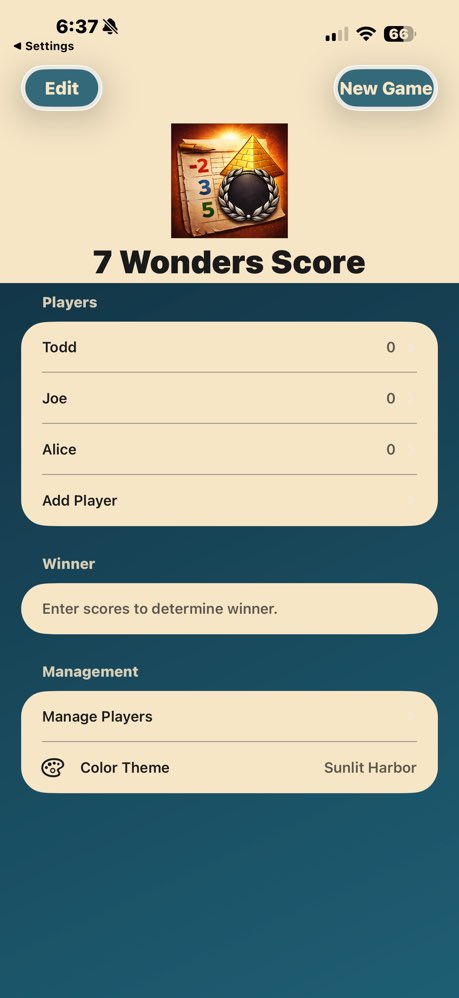
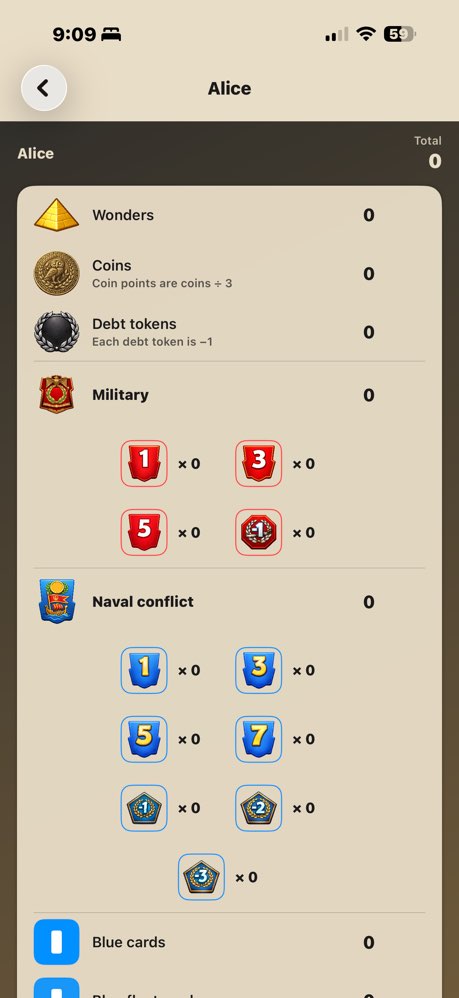
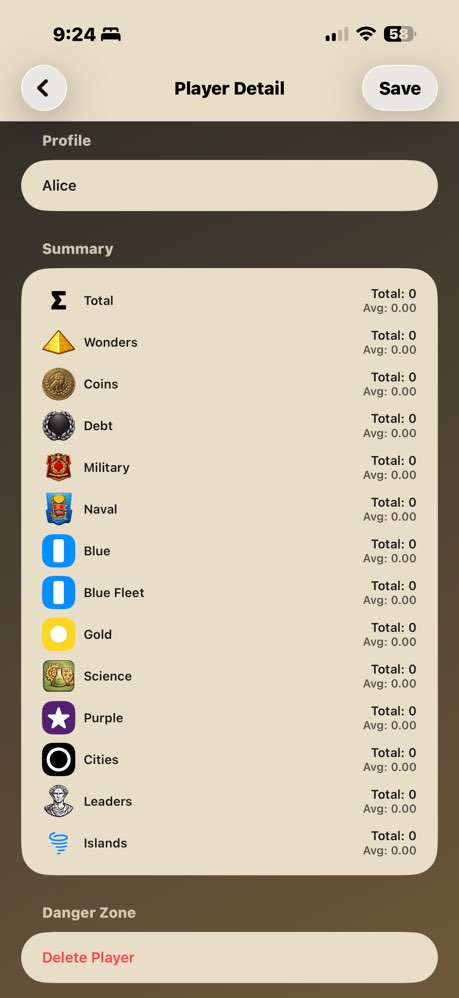
AC7WondersScoreCard — 7 Wonders Board Game Scorer
Full scoring for 7 Wonders — military tokens, coin tracking, science calculations, and all expansion support.

AC Mexican Train 15 — Mexican Train Dominoes Score Tracker
Mexican Train dominoes scoring for 15 rounds, with automatic totals and round tracking.

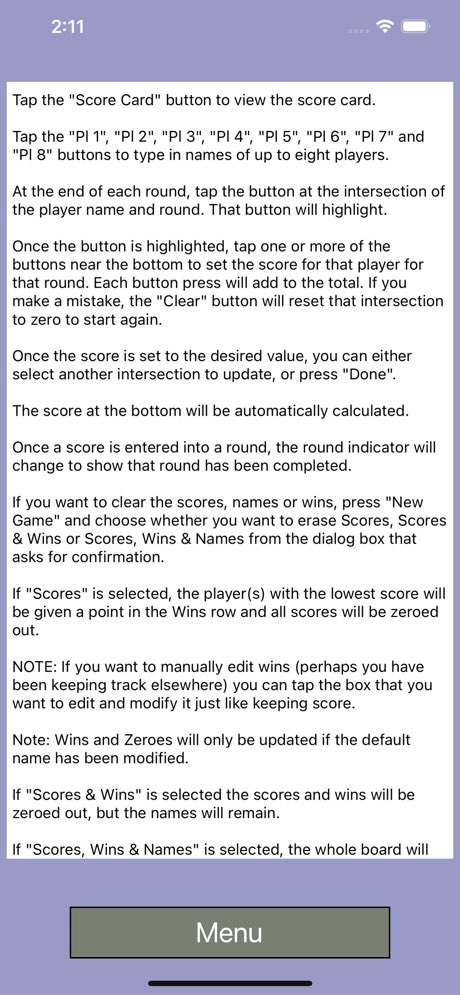


AC Mexican Train Scorecard — Domino Score Keeper
A clean, simple scorecard for Mexican Train double 12 perfect for casual games where you just want to keep score.


AC Mini Golf Score Card — Mini Golf Score Tracker
The original mini golf tracker. Simple, fast, and gets out of your way.


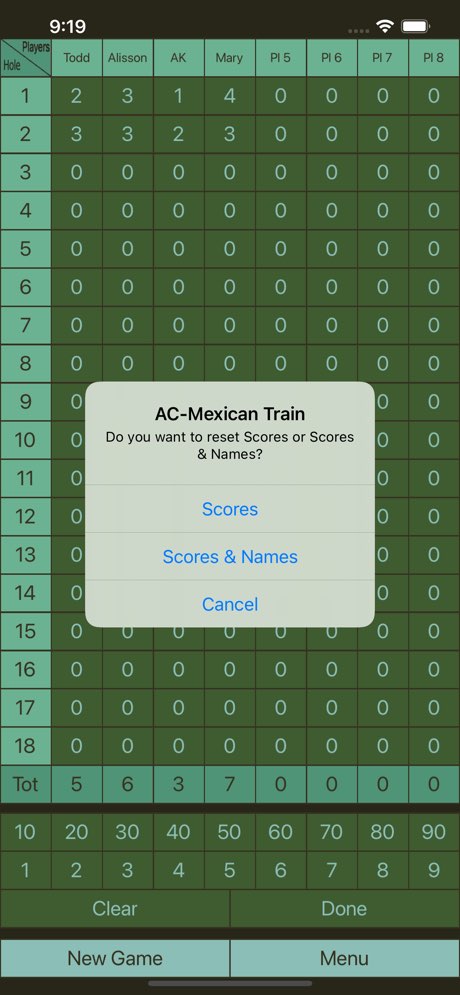

AC-Thirteen Score — Thirteen Card Game Scorekeeper
Scorekeeper for the Thirteen card game. Tracks multiple rounds and running totals automatically.


What’s Changed
The Corona-era apps were functional. The new ones feel like mine — designed the way I want them, with the features I actually want, rebuilt from scratch in modern Swift. The difference isn’t just technical polish. It’s that I’m no longer editing around my own limitations.
If you’ve got an app idea you’ve been putting off because you don’t code, or because you code a little but not enough — the last few months have genuinely changed the math on that. I’m not saying it’s push-button easy. There’s still debugging, still architecture decisions, still moments where you have to understand what’s happening. But the ceiling? The ceiling is gone.
All six apps are free. No subscriptions, no ads, no accounts required. Just download and play.

 Aucontrary